Take Control of Your Finances — The Easy Way
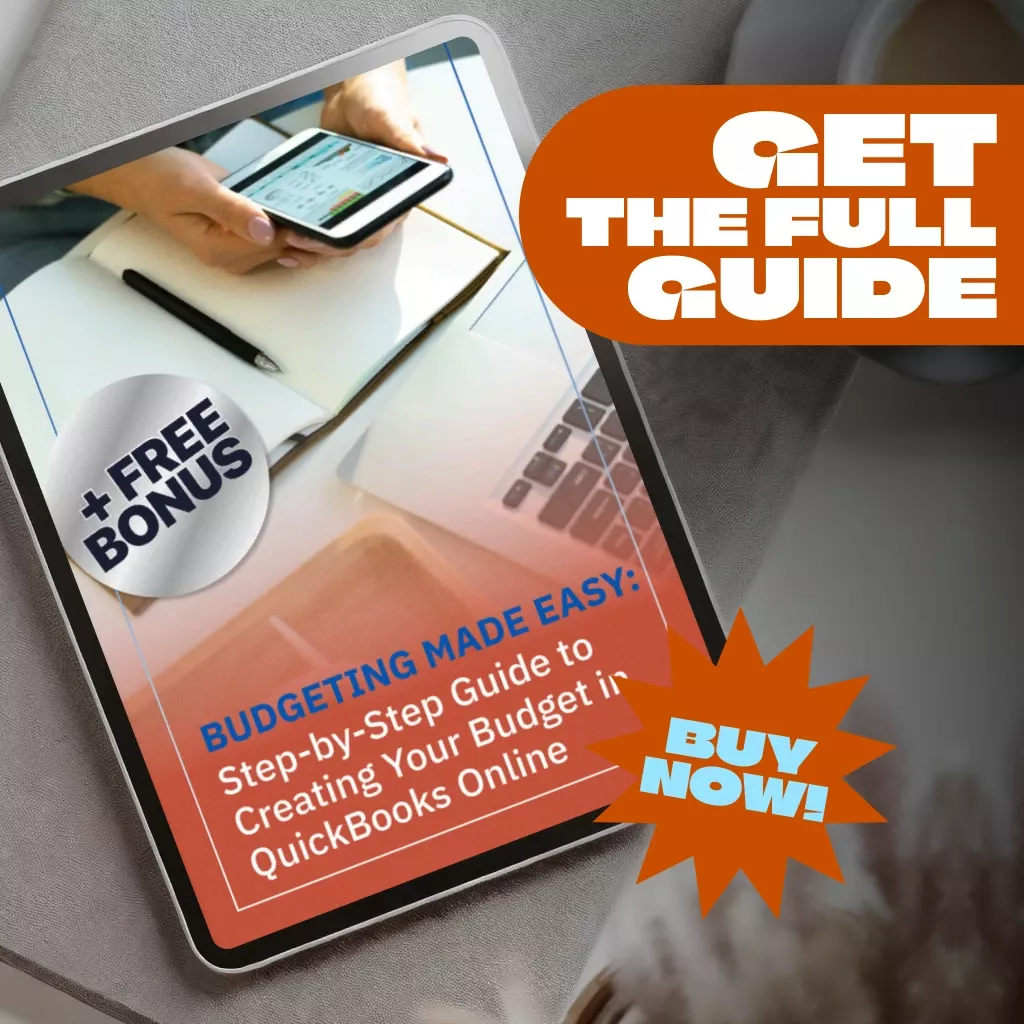
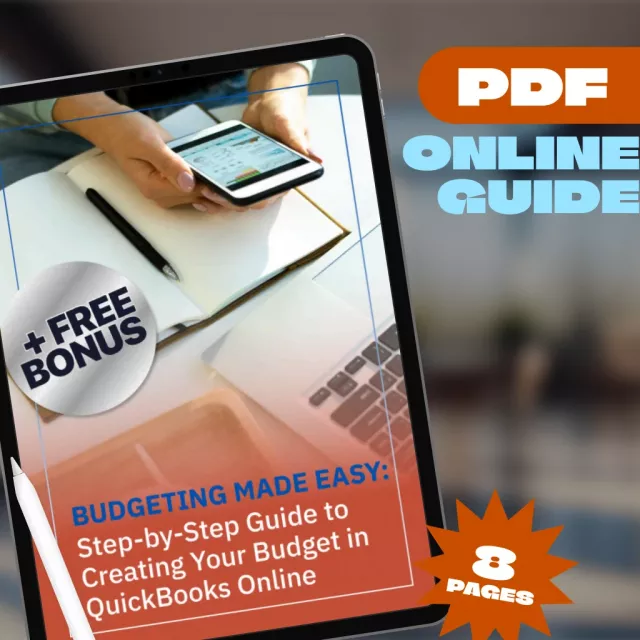
Struggling to stay on top of your business finances? Wish creating a budget didn’t feel so overwhelming? Budgeting Made Easy: Step-by-Step Guide to Creating Your Budget in QuickBooks Online is your go-to digital download for learning how to create budget in QuickBooks Online quickly and confidently. Designed specifically for busy entrepreneurs, small business owners, and freelancers, this clear and actionable guide walks you through the budgeting process so you can finally stop guessing and start growing—with confidence and control.
What You’ll Get Inside:
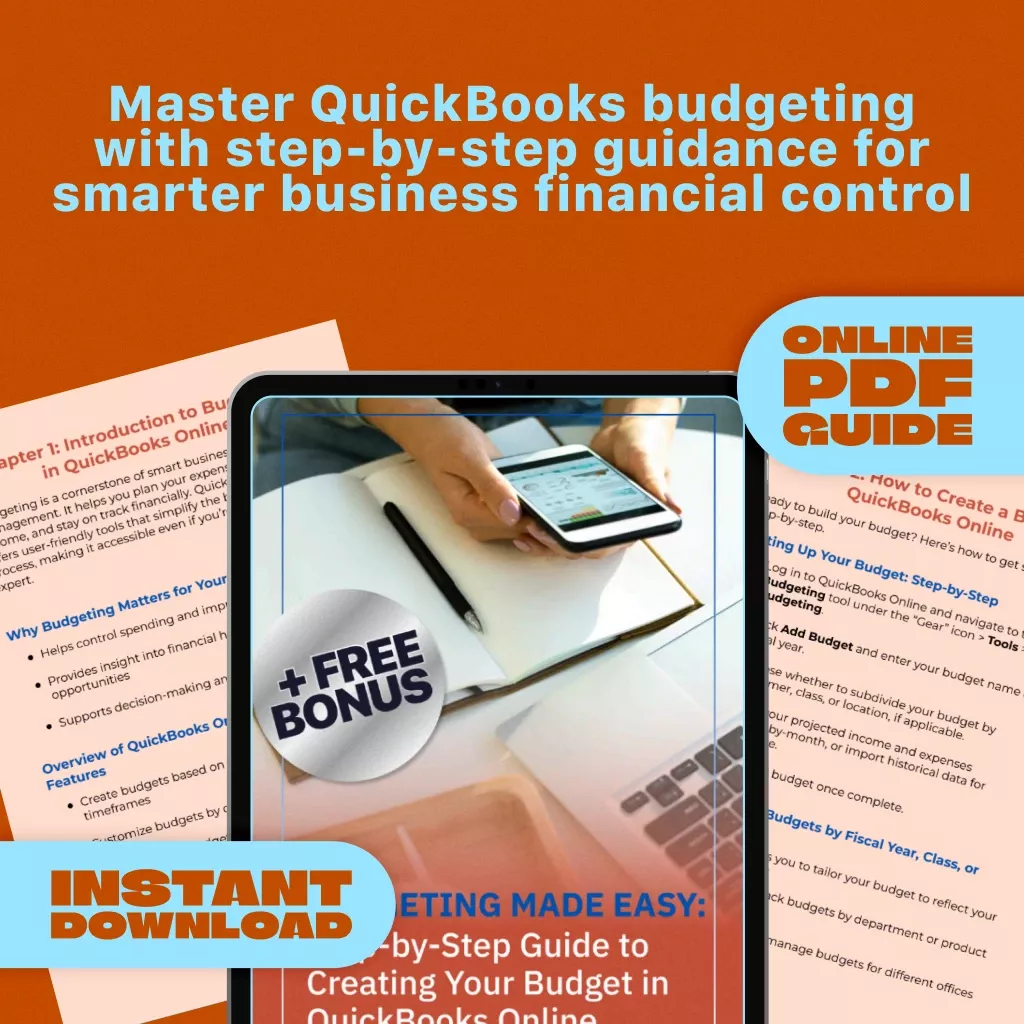
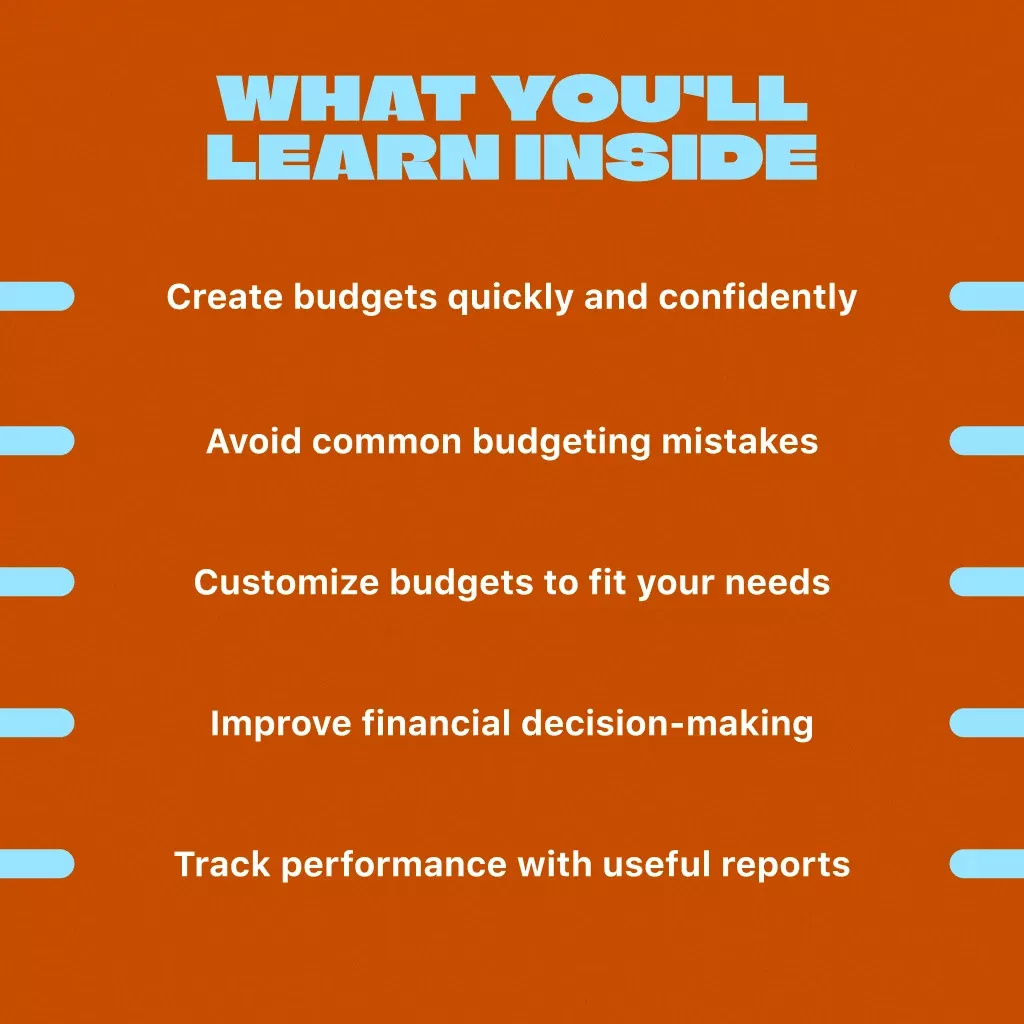
- Chapter 1: Introduction to Budgeting in QuickBooks Online – Understand why budgeting matters and get familiar with QuickBooks Online’s budgeting features.
- Chapter 2: How to Create a Budget in QuickBooks Online – Follow a clear, step-by-step setup process, and learn to customize your budget by fiscal year, class, or location.
- Chapter 3: Common Budgeting Mistakes to Avoid in QuickBooks – Discover what not to do and learn how to build a budget that actually works.
- Chapter 4: Next Steps – Learn how to use reports, adjust your budget as your business evolves, and align your budget with long-term planning.
Why This Guide Works for You
- No accounting degree required – Made for real people running real businesses.
- Built for QuickBooks Online users – Every tip and step is tailored to the actual software features.
- Instant digital download – Get started on your budget today, no waiting.
- Time-saving insights – Learn how to create budget in QuickBooks Online efficiently and avoid common time-wasting mistakes.
Who Is This Guide For?
This guide is ideal for small business owners, solo entrepreneurs, bookkeepers, and anyone who uses QuickBooks Online and wants a simple way to build and manage a budget. Whether you’re just starting out or want to sharpen your financial strategy, this resource helps you gain clarity and confidence with your numbers.
Why It’s Different
Unlike generic budgeting templates or overly complex financial guides, this product speaks directly to your needs as a QuickBooks Online user. It focuses specifically on how to create budget in QuickBooks Online, helping you make the most of the platform without unnecessary jargon or confusion.
Ready to Master Your Budget?
Download Budgeting Made Easy: Step-by-Step Guide to Creating Your Budget in QuickBooks Online today and start building the financial future your business deserves. Stop stressing about where your money is going and take the first step toward financial clarity and control—right now.
Order cancellation
All orders can be cancelled until they are shipped. If your order has been paid and you need to make a change or cancel an order, you must contact us within 12 hours. Once the packaging and shipping process has started, it can no longer be cancelled.
Refunds
Your satisfaction is our #1 priority. Therefore, you can request a refund or reshipment for ordered products if:
- If you did not receive the product within the guaranteed time( 45 days not including 2-5 day processing) you can request a refund or a reshipment.
- If you received the wrong item you can request a refund or a reshipment.
- If you do not want the product you’ve received you may request a refund but you must return the item at your expense and the item must be unused.
We do not issue the refund if:
- Your order did not arrive due to factors within your control (i.e. providing the wrong shipping address)
- Your order did not arrive due to exceptional circumstances outside the control of Anastasia (i.e. not cleared by customs, delayed by a natural disaster).
- Other exceptional circumstances outside the control of https://anastasia.best
*You can submit refund requests within 15 days after the guaranteed period for delivery (45 days) has expired. You can do it by sending a message on Contact Us page
If you are approved for a refund, then your refund will be processed, and a credit will automatically be applied to your credit card or original method of payment, within 14 days.
Exchanges
If for any reason you would like to exchange your product, perhaps for a different size in clothing. You must contact us first and we will guide you through the steps.
Please do not send your purchase back to us unless we authorise you to do so.
Your files will be available to download once payment is confirmed.